
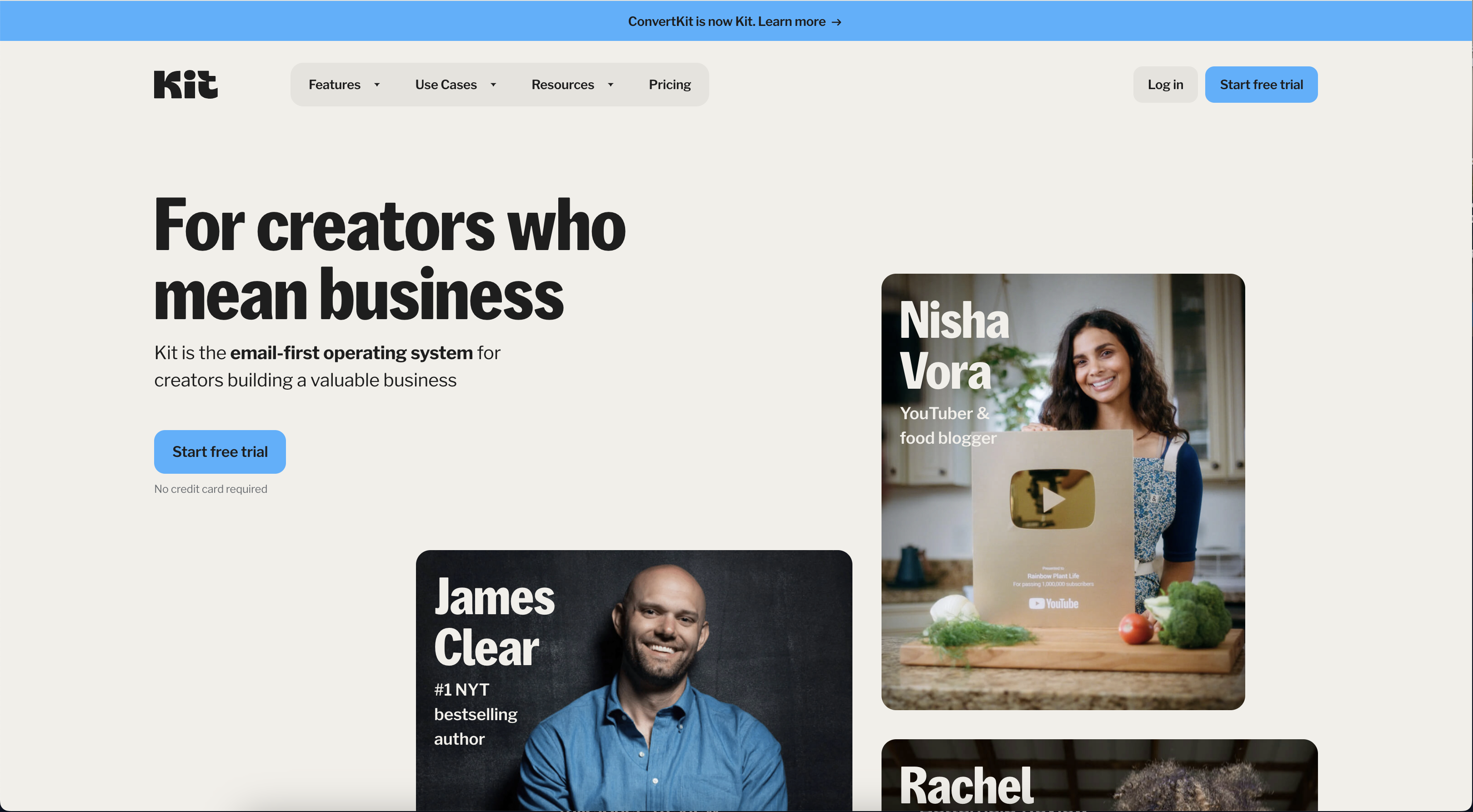
Kit (formerly known as ConvertKit) is an email marketing platform designed primarily for creators—bloggers, podcasters, YouTubers, and small business owners. Its simplicity, focus on creator-specific tools, and scalability make it a popular choice for building and managing email lists while offering monetization features.
The platform is known for its ease of use, featuring a visual automation builder that simplifies email sequences. Kit also integrates with numerous third-party apps and tools, making it flexible and easy to slot into existing workflows.
However, while Kit is great for creators, it may lack some of the advanced design and CRM capabilities found in other platforms..
Pros of Kit
- Tailored for Creators Kit stands out by catering specifically to creators, offering tools to grow and engage audiences. It is particularly well-suited for bloggers, podcasters, and content creators who rely on email to build their brand and monetize their audience.
- Visual Automation Builder The drag-and-drop automation builder is one of Kit’s most popular features. It allows users to create advanced email workflows with ease, making it simple to automate campaigns based on user behavior, preferences, or triggers.
- Audience Segmentation and Tagging Kit allows for detailed audience segmentation and tagging, helping you deliver personalized content to specific subscriber groups. This is great for tailoring messages based on past interactions or customer journeys.
- Landing Page Builder The platform includes an easy-to-use landing page builder, making it a one-stop solution for lead generation. With pre-designed templates, creators can capture email subscribers without needing additional tools or complex integrations.
- Monetization Features Kit allows users to sell digital products, subscriptions, and memberships directly through their email campaigns, making it easier for creators to monetize their audience. The platform even supports transactional emails and automated product delivery.
- Seamless Integrations Kit integrates with over 70 third-party tools, including WordPress, Shopify, and Teachable, allowing creators to sync their workflows across multiple platforms. This flexibility is ideal for creators running multifaceted businesses.
Cons of Kit
- Expensive for Larger Subscriber Lists Kit’s pricing increases significantly as your subscriber count grows. While it’s competitive for smaller lists, once you surpass 10,000 subscribers, costs can rise steeply compared to other platforms offering similar features for a lower price.
- Limited Email Design Customization Kit’s email templates and design capabilities are relatively basic. If you need advanced design tools or want to send highly customized, visually rich emails, Kit might feel limiting compared to platforms like Mailchimp or MailerLite, which offer more design flexibility.
- Reporting and Analytics Limited in Lower Plans The platform offers basic email performance tracking (open rates, click-through rates), but more advanced analytics (like deliverability reports or in-depth performance insights) are only available in higher-priced plans. Users of the lower-tier “Creator” plan may find the lack of advanced reporting frustrating.
- No In-depth CRM Capabilities Kit is primarily an email marketing platform and lacks some of the in-depth CRM features available on other platforms like ActiveCampaign or HubSpot. If you need a robust CRM system to track customer interactions across multiple channels, Kit may not be sufficient.
Its simplicity and focus on automation make it accessible even for those with limited technical expertise. However, it may not be the best choice for businesses with large subscriber lists or those needing advanced design or CRM features. Kit is a solid option for small to medium-sized creators who need an easy-to-use platform that helps them focus on growing and engaging their audience.